Connect Google insights and get started more easily
Connect your AI visibility with website visitor data. Google connections and your next steps are now easier to manage, too.
- Google Analytics 4 in Propps. Connect your website to follow traffic from identifiable AI sources alongside your visibility measurements. The new traffic view helps you understand visits and key events recorded in GA4. Not every visit from AI can be identified as such. Google connections are available in every active workspace; history follows your subscription.
- Your Google connections in one place. Google Analytics 4 and Search Console now have recognizable logos. Owners and administrators can remove a connection to stop synchronization, including after their subscription expires. Previously imported data is kept; permanent deletion is a separate choice.
- A shorter checklist. Your next steps focus on additional questions, competitors, your measurement schedule and a Google connection. Viewing reports and setting up report emails are no longer required checklist steps. Report emails can still be managed in settings.
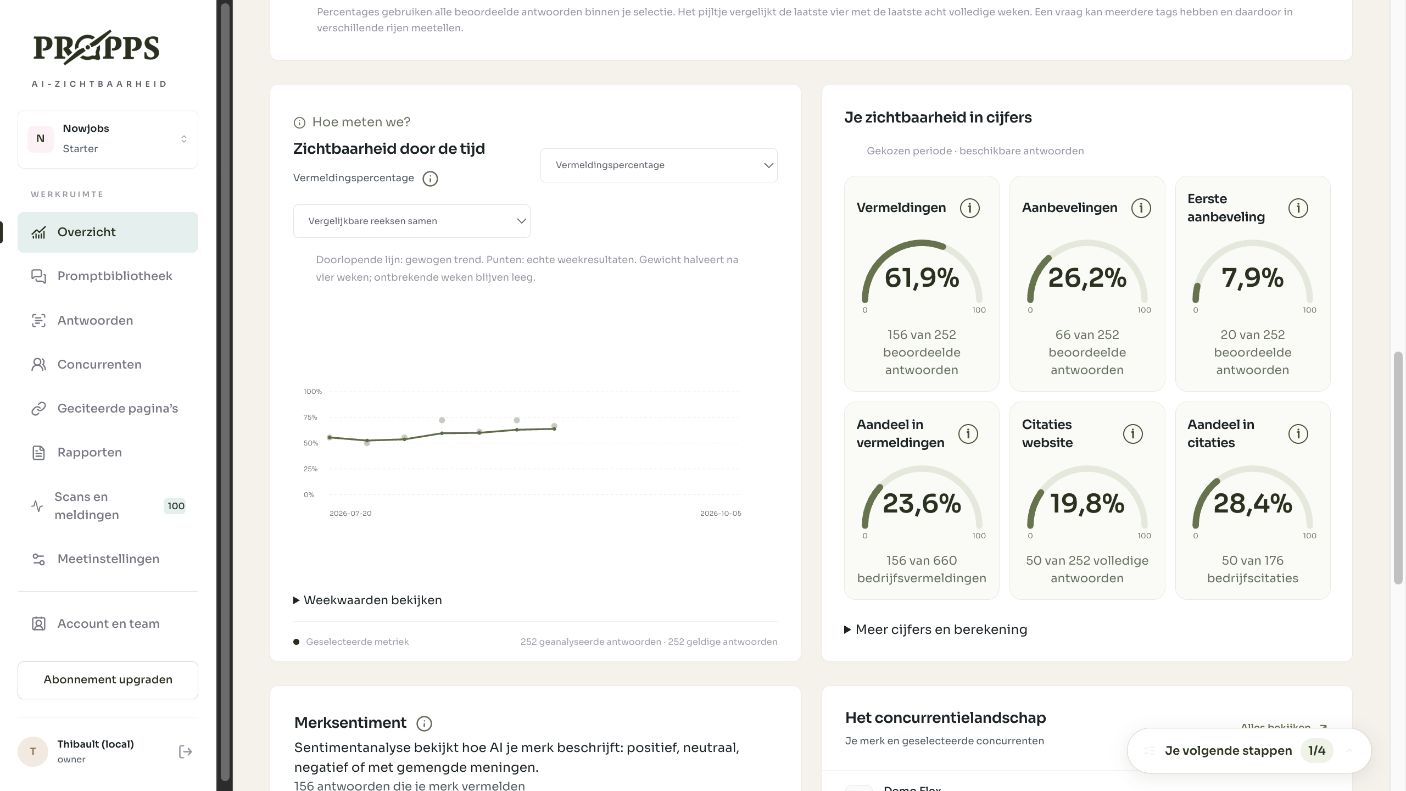
- A calmer platform. Simple page titles and less repeated explanation make your overview, prompts and connections more compact. The overview shows when your next scan is scheduled.
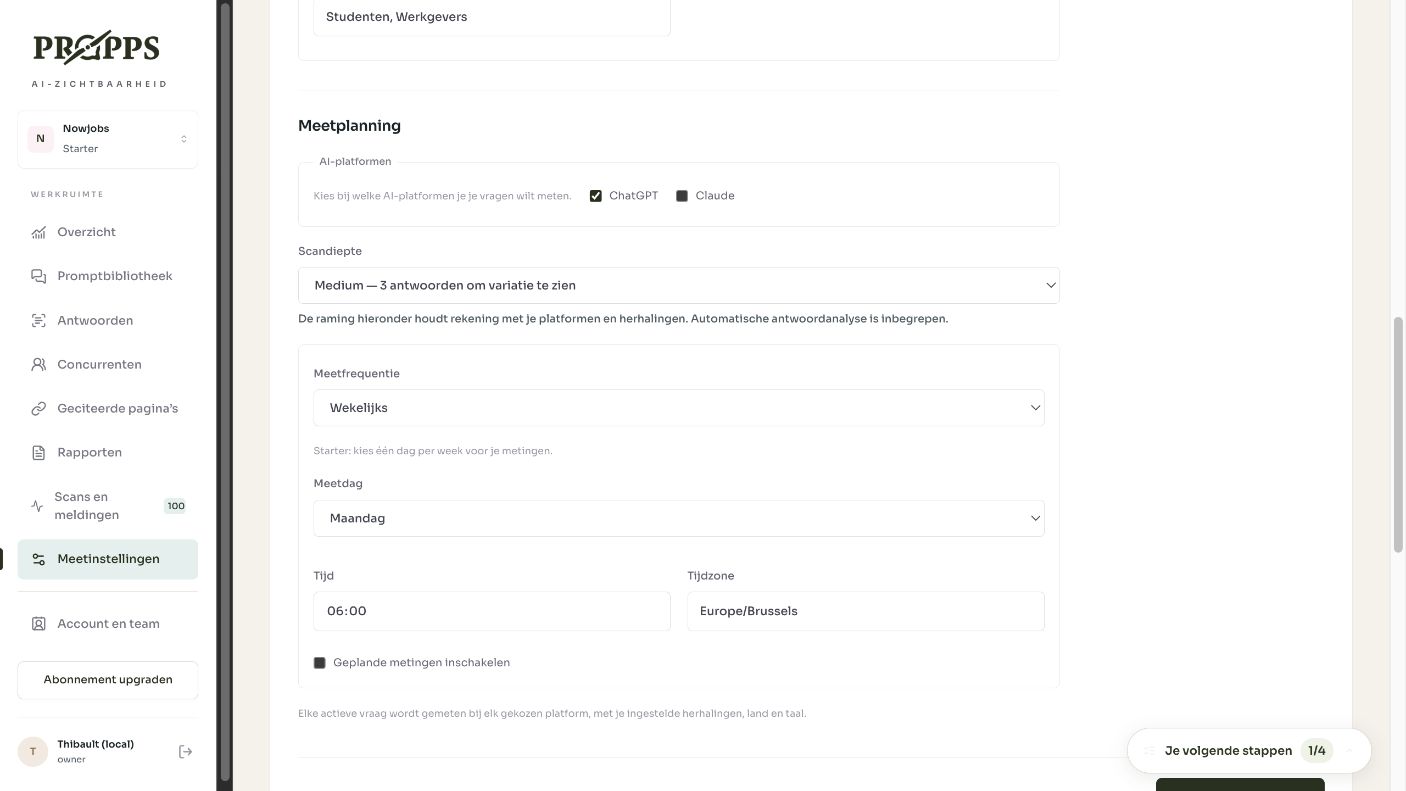
- Your measurement plan at a glance. See the next scan, platforms, scan depth, frequency and available credits. Use Edit to adjust the plan. Credit estimates count the actual scheduled dates in the month alongside the cost per scan.
- Manage markets more easily. Choose a country and language to add a market. Clear market labels replace comma-separated input. You are notified when existing prompts still use a market.
- A focused competitor list. Your brand and selected competitors stay together. Add competitors lets you select several discovered businesses at once without a long list in your everyday view.
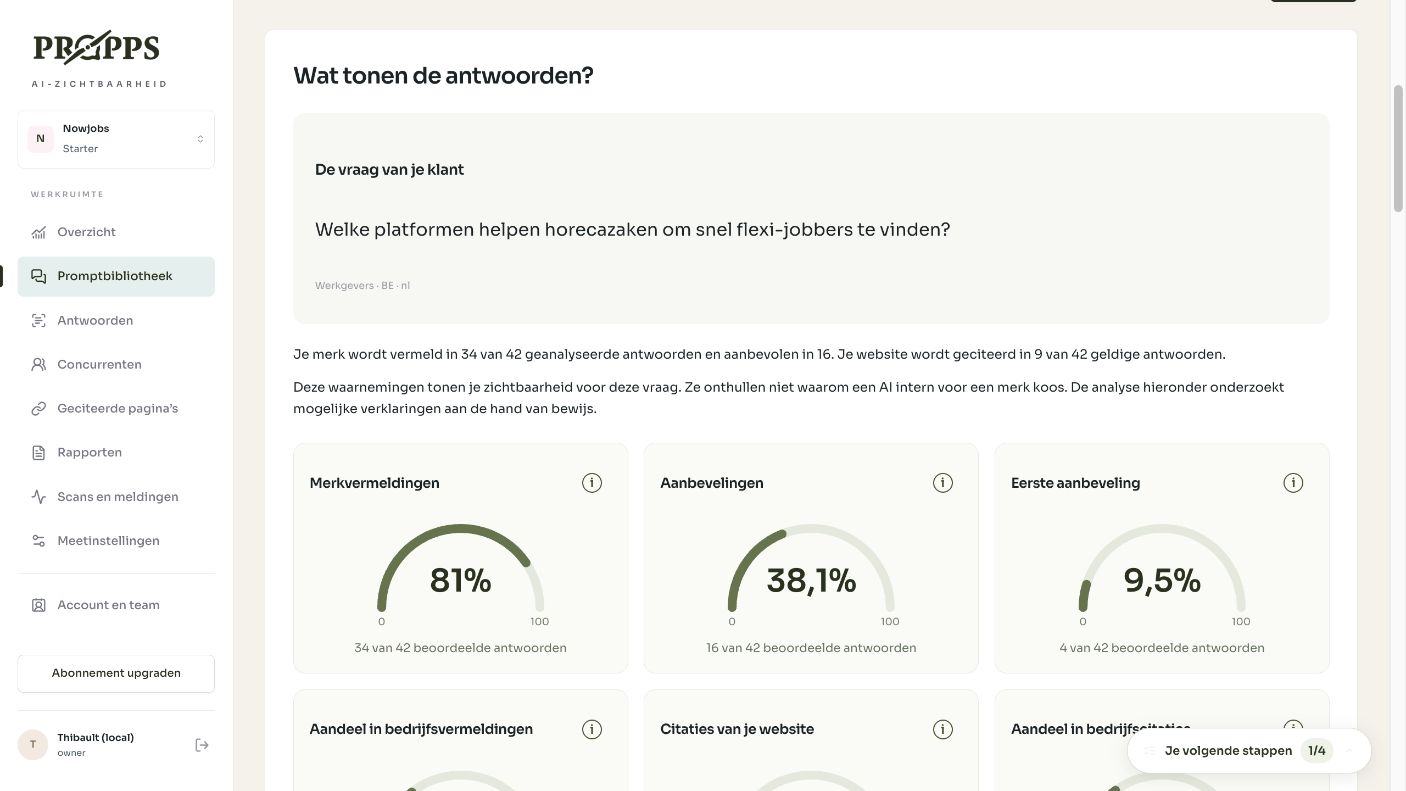
- Fixed questions, flexible settings. A prompt keeps its original question. Market, audience, tags and status remain editable without creating another version. Earlier results retain their original measurement context. Add a new prompt for a different question.
- A report worth sharing. PDF exports use your workspace name and Propps branding. They include a summary, visual gauges, results by AI platform and question, charts and cited pages. Your selected filters continue to apply.
- Personal settings in their own place. Click your name or photo at the bottom left for your profile, language, password and two-factor authentication. You can now upload a profile photo. Team members, billing, subscription and brand details remain in Account and team.
- Notifications behind the bell. Open the notification bell to see updates and mark them as read. The separate Scans and notifications menu makes way for simpler navigation.
- A clearer new workspace flow. Compare plans in a wider table on desktop and readable cards on mobile. Clicking a navigation item returns you to that section of your existing workspace.
- Feedback close at hand. The Feedback button at the bottom left opens an email directly to the Propps team.